🔗 Integrating with GoHighLevel (GHL)
Seamlessly connect your AI agent to GoHighLevel to automate CRM updates with call recordings, transcriptions, analytics, and tags—no manual data entry required.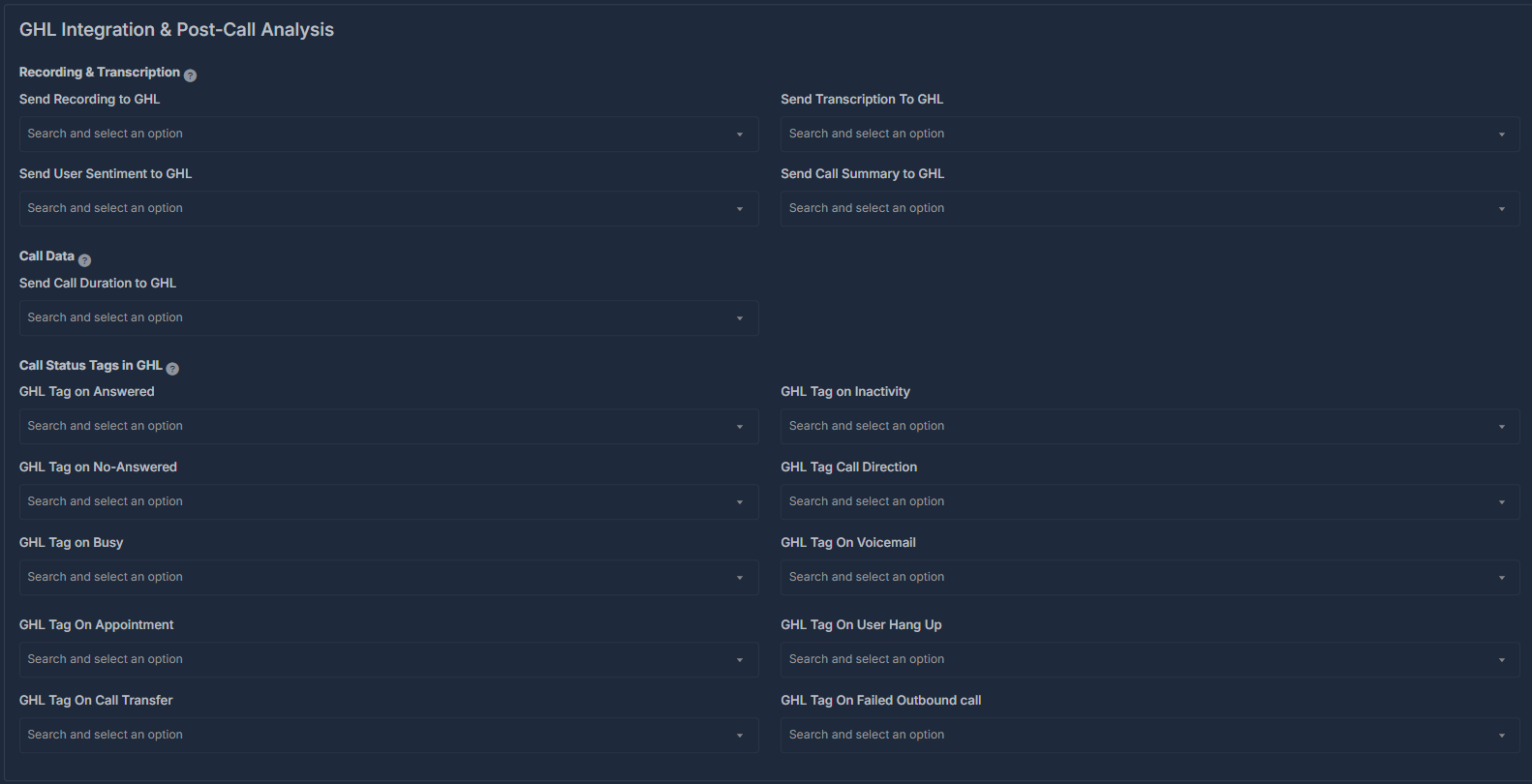
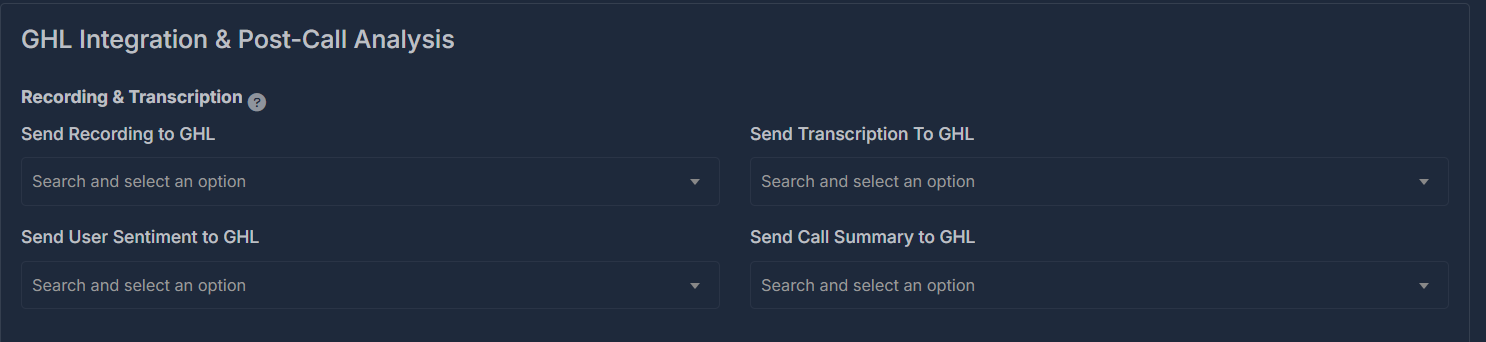
📤 Recording & Transcription Sync
Configure which call details are sent to GHL:- Recording Upload
Automatically send call recordings to GHL, or toggle off if not needed. - Transcription Upload
Choose whether AI-generated call transcripts should be added to GHL. - User Sentiment Sharing
Send AI-scored sentiment (positive, neutral, negative) for each call. - Call Summary Sync
Populate GHL custom fields with concise summaries of each call.
⏱️ Call Analytics & Data Points
Send key analytics to GHL:- Call Duration
Automatically log call duration for tracking or billing. - Call Direction (Inbound/Outbound)
Record whether each call was incoming or outgoing.

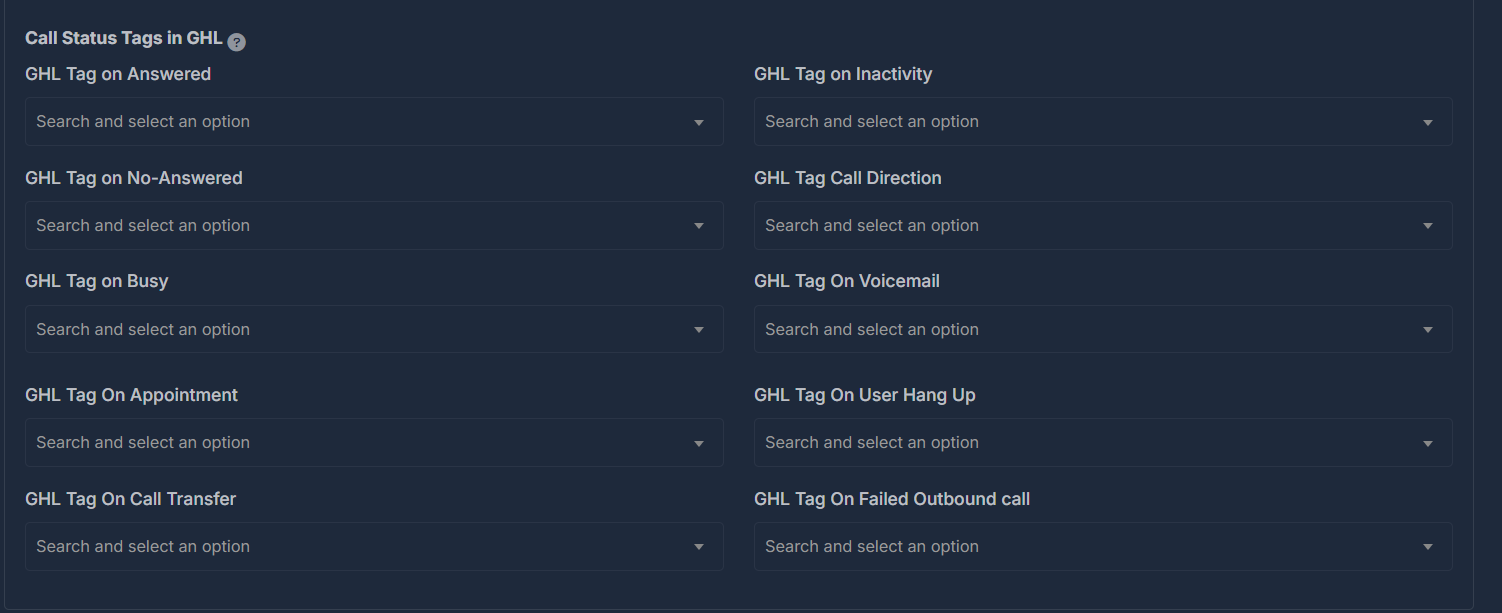
🏷️ GHL Call Outcome Tags
Let your AI agent tag contacts/leads in GHL based on call results:- Answered
- No Answer
- Busy
- Inactivity
- Appointment Set
- Call Transfer
- Voicemail
- Call Direction (Inbound/Outbound)
- User Hung Up
- Failed Outbound Call
Tip: Tags appear immediately in your GHL CRM for rapid sorting, follow-up automation, and reporting—no extra setup needed.